As of May 2, Manage Participants has the Edit Role feature. With this tool you can now change the role of your course participants at any time. For more information, visit the Teaching and Learning Resource Center.

As of May 2, Manage Participants has the Edit Role feature. With this tool you can now change the role of your course participants at any time. For more information, visit the Teaching and Learning Resource Center.
Between spring and summer semesters, the Office of Technology and Digital Innovation (OTDI) and various tool vendors will make updates and improvements to Ohio State’s teaching and learning toolset. Explore new features in CarmenCanvas, learn about new proctoring solutions and get excited for improvements to existing tools.

The Office of Technology and Digital Innovation (OTDI) has been hard at work between autumn and spring semesters to update our tools and services. This round of continual improvement projects included added security measures for eLearning tools, improved synchronization of identity data, and a focus on accessibility awareness. You and your students should also be aware of upcoming changes to Wi-Fi at Ohio State and potential issues with email forwarding.

Beginning this spring, students, staff and faculty may notice a change in their displayed pronouns in CarmenCanvas and CarmenZoom. These two tools will begin pulling pronoun information from my.osu.edu, the Ohio State app, Buckeye Link (for students), and Workday (for faculty and staff). Any pronouns that had been designated natively in Carmen and Zoom will remain if you have not selected pronouns in a major university system.

As you start summer term and begin preparations for autumn, the Office of Technology and Digital Innovation (OTDI) wanted to share some updates and reminders about teaching and learning tools available at Ohio State. You may experience some new features in CarmenCanvas and CarmenZoom, and you might start noticing more use of tools like PebblePad, Adobe and OneDrive. You’ve likely also seen the emergence of AI tools like ChatGPT, and experts from across the university weighed in to provide guidance on use of AI tools in the classroom.

As you settle into a new semester at Ohio State, be sure to review the latest updates from the Office of Technology and Digital Innovation (OTDI). Learn more about new accessibility features added to CarmenZoom; check out a few improvements in CarmenCanvas as well as official guidance for proctoring; remind your students to renew their Adobe licenses; and learn about changes for accessing important software like Minitab.
During Autumn Break, the New Quizzes tool was made available in CarmenCanvas. This tool can be enabled on a course-by-course basis for instructors to explore.

It’s another new semester at The Ohio State University, and with the new academic term comes several technology enhancements. The Office of Technology and Digital Innovation (OTDI) is offering new tools, including student access to Adobe Creative Cloud. This semester, you may notice a variety of updates to existing tools, such as an automated transcription service available in Mediasite. There is also a new process for your students to follow in order to connect their personal devices to secure Wi-Fi.
Learn what else is new for autumn 2022!
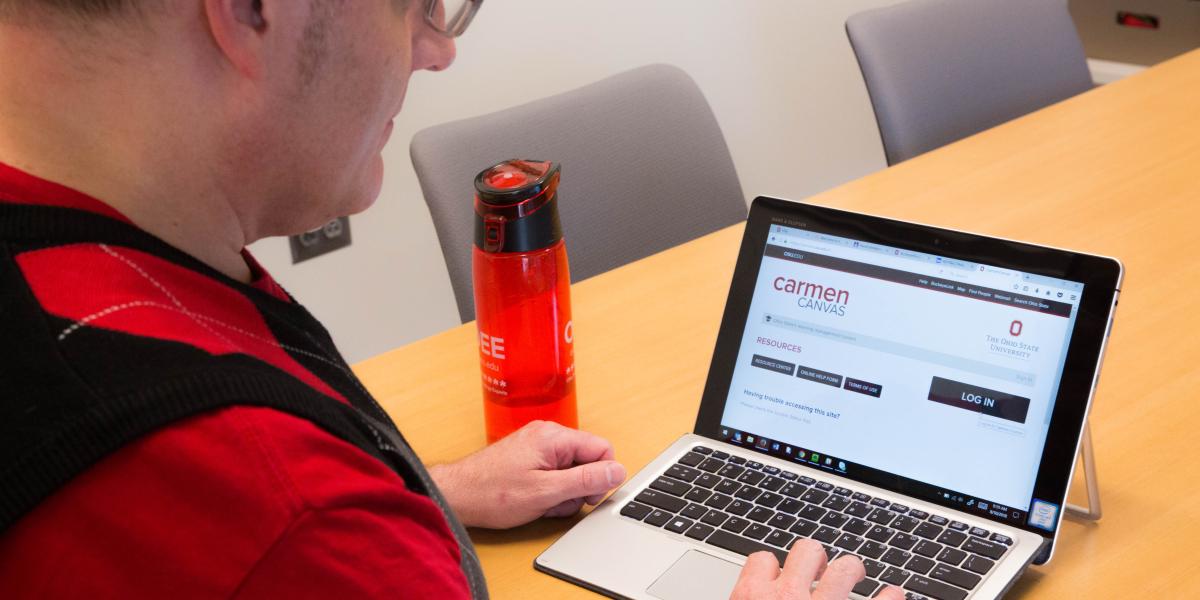
Over the winter break, updates were made to CarmenCanvas, Mediasite and Zoom to make sure these tools were ready for a new semester at Ohio State. You may notice preferred last names across Carmen, the removal of Box integrations, a new look and feel for MyMediasite and an easy way to import your Zoom cloud recordings into Mediasite