After logging into the system, you should be brought to a page that looks similar to the screenshot below:
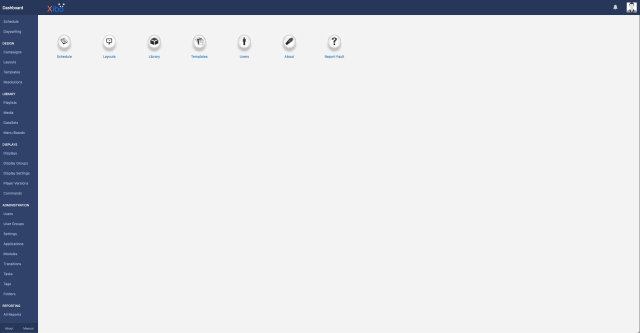
This guide will primarily focus on covering the basics of each section in the CMS: Folders, Displays, Design, Library and Schedule. If you are new to Xibo, we recommend that you start from beginning. For your convenience, at the end of this guide, we will walk you through step-by-step, how to create, design, and schedule a simple layout on a display.