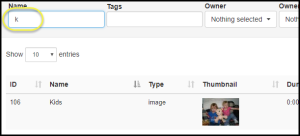
In order to use content on a layout the content should first exist in your media library. Many forms of media can be uploaded to the library and organized in different ways.
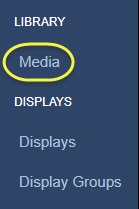
To view the media library, start by selecting Media in the navigation panel on the left side of the screen under LIBRARY.
Within the media library you have the ability to search through already existing content by using the filters at the top of the page. You may search by:
- Name
- Associated Tags
- Owner
- Owners Groups
- Media Type
- Retirement State
The search is context aware, so while you type in a value in the search field the list of media items will update showing those items that meet the search criteria.