Tagged: Learning Systems Update
Learning Systems | June 6, 2025
In Discussions, each reply now includes a copyable permalink allowing users to share a direct link to that specific reply. If the reply is part of a thread, the thread will expand to reveal it.
Randi Honkonen | June 5, 2025
The Office of Technology and Digital Innovation (OTDI) is leading a Request for Proposals (RFP) for an accessibility scanning tool to be integrated within the CarmenCanvas learning management system (LMS) and other Canvas instances. This application will enhance digital accessibility initiatives to improve accessibility to course content led by the ADA Digital Accessibility Center and OTDI's Digital Accessibility Services.
Learning Systems | May 22, 2025
In Discussions, each reply includes a copyable permalink allowing users to share a direct link to that specific reply. If the reply is part of a thread, the thread will expand to reveal it. The activity progress values for items in the Gradebook, marked as Started and In Progress are updated. These statuses no longer trigger the Needs Grading icon in the Gradebook.
Randi Honkonen | May 8, 2025
The Office of Technology and Digital Innovation (OTDI) deployed the BUX theme on CarmenCanvas on May 1. However, it was quickly discovered that pages were loading much slower than expected. As a result, the theme was rolled back, and developers are looking into the issue and working to find a solution.
Learning Systems | April 30, 2025
There will be several updates to CarmenCanvas before the start of Summer Term.
These changes will take place on May 1st:
Learning Systems | April 25, 2025
Course shells for Autumn 2025 academic courses are now available!
Instructors can find their academic course shells on their Carmen Landing Page or by using the Aegis platform. Check under the "Manage Courses" card.
Learning Systems | April 17, 2025
The media player for recordings created or uploaded to CarmenCanvas has been updated, with increased accessibility, adaptive streaming, and new privacy features. The media player is best used for short (1-3 minute) videos.
These changes include:
Randi Honkonen | April 10, 2025
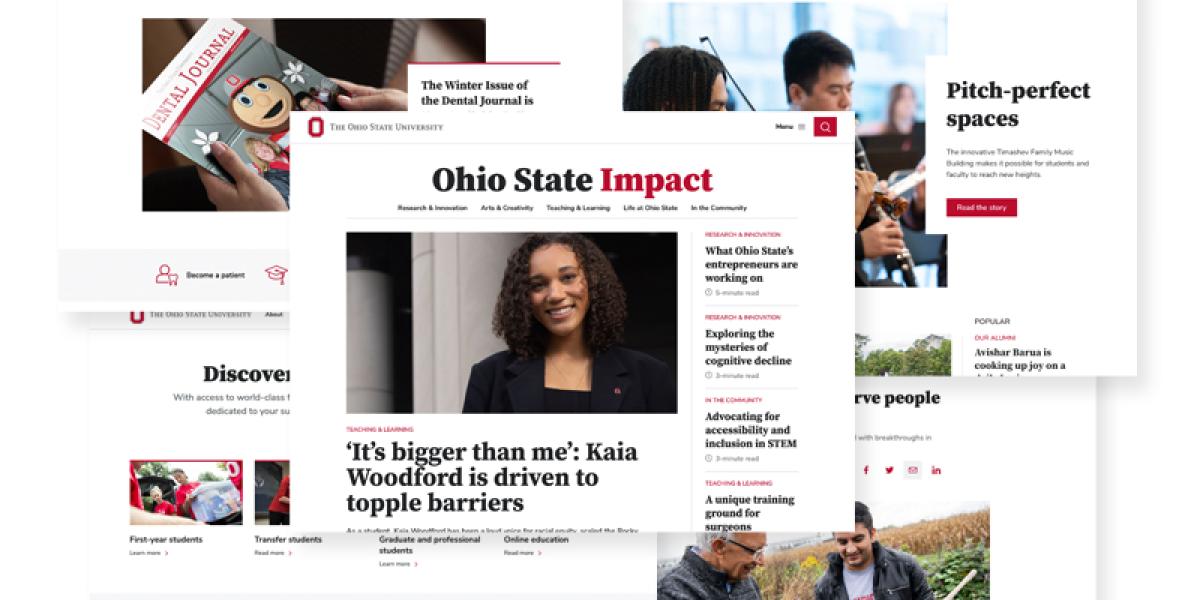
As part of a larger initiative to create a cohesive digital experience at Ohio State, the Buckeye UX (BUX) theme will be applied to CarmenCanvas on May 1. Functionality for the learning management system will remain the same, but the look and feel will shift to the BUX style.
Learning Systems | March 14, 2025
Course shells for Summer 2025 academic courses are now available!
Instructors can find their academic course shells on their Carmen Landing Page or by using the Aegis platform. Check under the "Manage Courses" card.
Learning Systems | March 11, 2025
The ability for instructors to generate academic courses in CarmenCanvas has moved to Aegis. This is the last of the suite of instructor tools that have been moved to Aegis, our updated platform for managing Learning Systems tools.