There are multiple ways to find training that interests you in BuckeyeLearn.
Use Learner Home
Learner Home is an interactive way to find and complete training in BuckeyeLearn. You can browse the page to locate training that has been suggested for you, or you can search for specific courses. For more information about Learner Home, including how to add subjects to automatically return training relevant to your interests, review Using Learner Home to Find Training.
Click the Learner Home button on the BuckeyeLearn homepage to open Learner Home.

Type the course name or keywords to search for a specific course or a course about a certain topic.
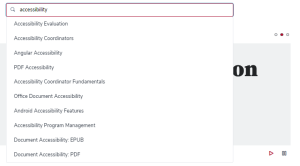
- Click a course name from the auto-populated results or click the Enter key to search.
Click a course's title to learn more about the course.
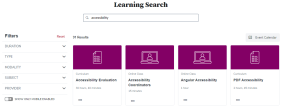
- Register for training.
Use the Events Calendar
Use the Events Calendar to search for instructor-led in-person or online webinars by date.
Click the Events Calendar button on the BuckeyeLearn homepage to open the Events Calendar.
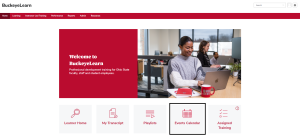
Review the calendar to find instructor-led training that interests you.

- Click a course's title to learn more about the course.
- Register for training.
Search for Training
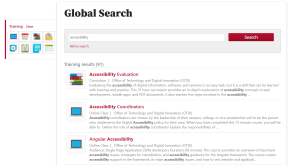
Use the BuckeyeLearn search to search for specific courses or topics.
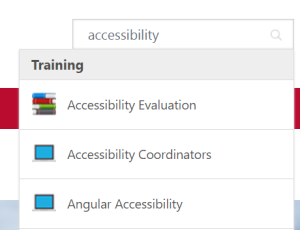
In the search box at the top right of any BuckeyeLearn page, type the course name or keywords to search for a specific course or a course about a certain topic.

Click a course name from the auto-populated results or click the Enter key to search.
Click a course's title to learn more about the course.
- Register for training.