In Microsoft Teams you can view and edit PDFs with Adobe Acrobat using your Ohio State Adobe Creative Cloud License. This is not available on the mobile Teams application.
To edit a PDF, click the Edit button in the PDF in the upper right-hand corner.
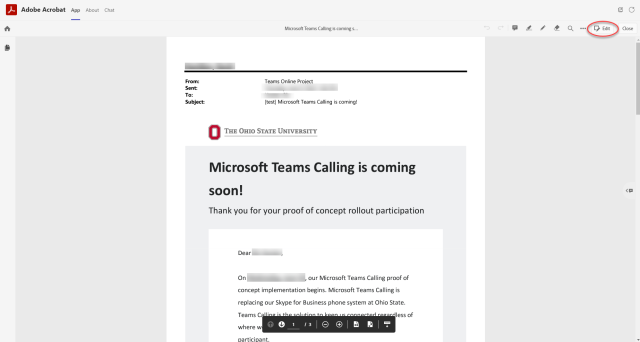
This will display a pop-up window for authentication. Use your Ohio State username (lastname.#) and password. A Duo Push from BuckeyePass will be sent to your default device. You will need to approve the push.
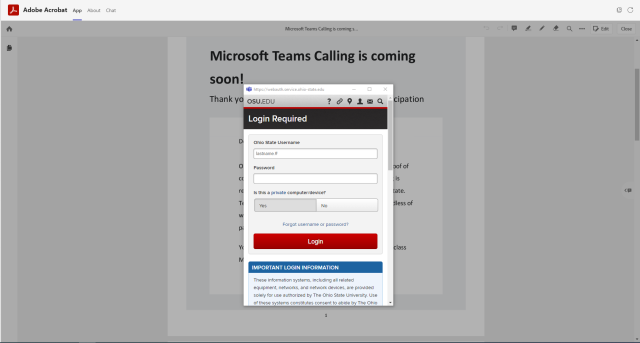
Once you have successfully authenticated, you will be able to edit PDFs using Adobe Acrobat in Microsoft Teams.
Important Information
- This is not available on the Teams Mobile app.