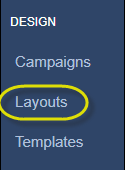
Once a layout has been created you will need to add content from your media library to the layout. Content cannot be added until there are Regions on the layout. Start by clicking Layouts on the left hand side of the screen.
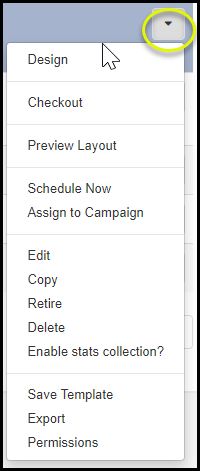
This will show you the different layouts that you have created. For creating a new layout, please see Layouts for details. Within your list of layouts select the arrow to the right of the layout you would like to add content to and select Design.
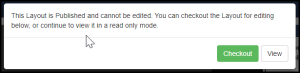
Any layout that needs to be edited will first need to be checkout out. A message will appear advising that the layout is published and cannot be edited. Select Checkout to edit the layout.
One the layout is able to be edited, the Layout Designer will open. Please see Adding Content to Regions for information on adding, removing and manipulating the design.