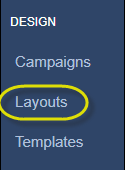
From the navigation pane on the left, click Layouts:
To create a new layout, simply click on the Add Layout button in the upper right-hand corner of the browser window:
The Layouts section is populated with a listing of all the layouts that you or your team have created or that you have access to, based on your groups. To perform an action on existing layouts, locate and left-click on the Row Menu button at the end of the table, as shown below:
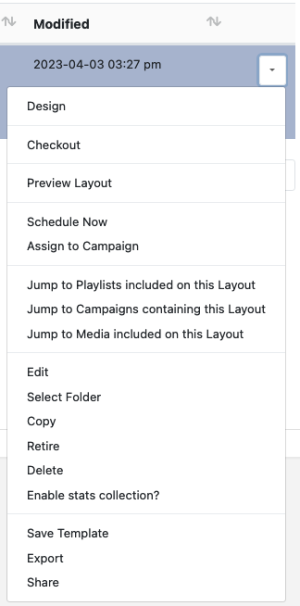
A few of the more notable actions from the list include:
- Design – Allows you to edit and make changes to the content within a layout
Preview Layout – Shows a scaled down preview of the layout in real-time, as rendered on your own computer
- Edit – Allows you to change layout details, such as the name, tags, etc.
Delete – Permanently destroys the layout