This job aids describes how to review training that you have already completed. Your completed date will not update.
To retake training that you have completed,
- Open your Completed Transcript.
Click the down arrow on the View Completion Page button

on the same line as the course you want to retake.
- Launch the training. Expand each section below to view instructions specific to each type of training.
Online Course
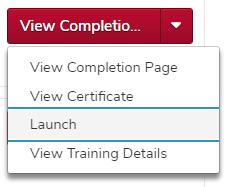
For online courses

, click the Launch option.
Curriculum
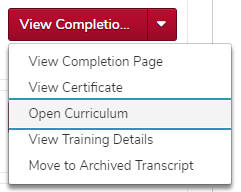
For a curriculum

, click the Open Curriculum option.
You must then open each piece of the curriculum following the instructions for that type of training.
Material
For materials

, click the Launch option.
Video
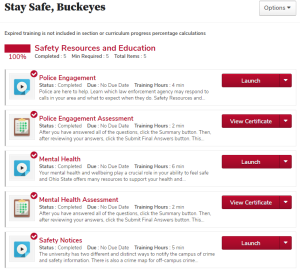
For videos

, you do not have to click the down arrow. Click the Launch button

.
Inactive Training
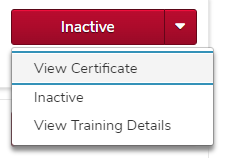
You cannot retake inactive training. Contact your supervisor for alternate training if you must retake training that is inactive.