After you create a material, you may need to edit it.
For additional information about materials, visit Cornerstone’s online help.
- Navigate to the Material Administration page.
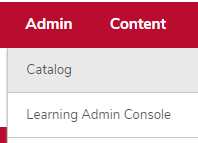
- Hover over the Admin tab.
Click Catalog.
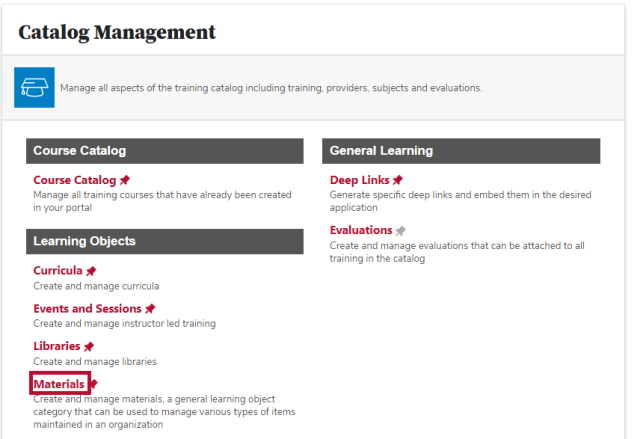
Click the Materials link in the Learning Objects section.
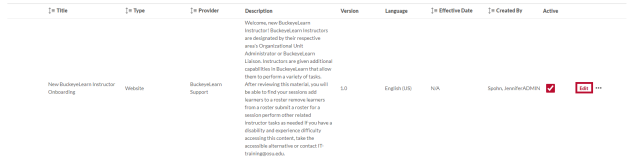
Locate the material you want to edit and click the Edit button on the same row.
- Edit the material's information.
Click the Next button

.
- Edit the Availability, if needed.
Click the Next button
.
Click the Save button

.