If you have many materials with few differences between them, it can be faster to copy and edit materials than to create new ones. For additional information about materials, visit Cornerstone’s online help.
- Navigate to the Material Administration page.
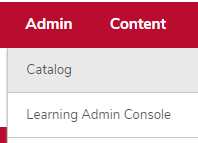
- Hover over the Admin tab.
Click Catalog.
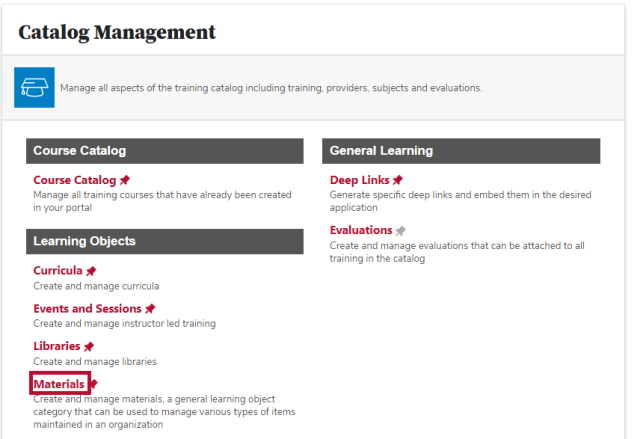
Click the Materials link in the Learning Objects section.
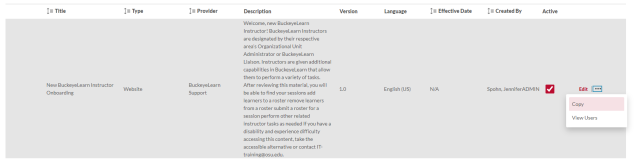
Locate the material you want to copy. Click the actions icon on the same row, then click Copy.
- Edit the material's information.
Click the Next button

.
- Select theAvailability.
Click the Next button
.
Click the Save button

.