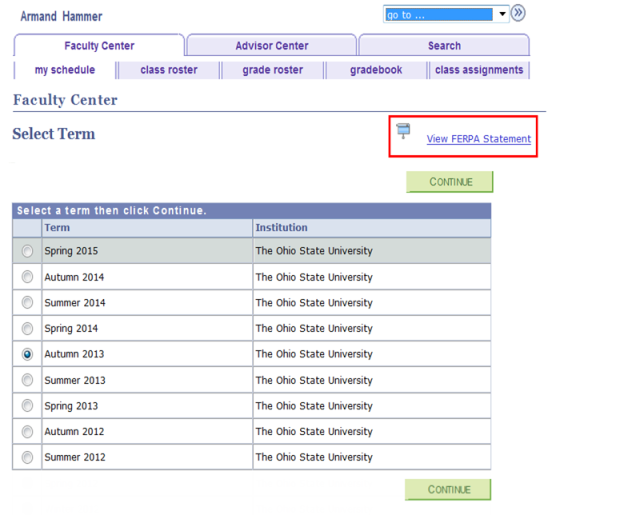
The FERPA statement is available from multiple pages within the Faculty Center. The example below depicts the FERPA Statement link from the Select Term page:
Path.
Select

View FERPA Statement from any page displaying this link to view the FERPA Message for Instructor/Advisor.
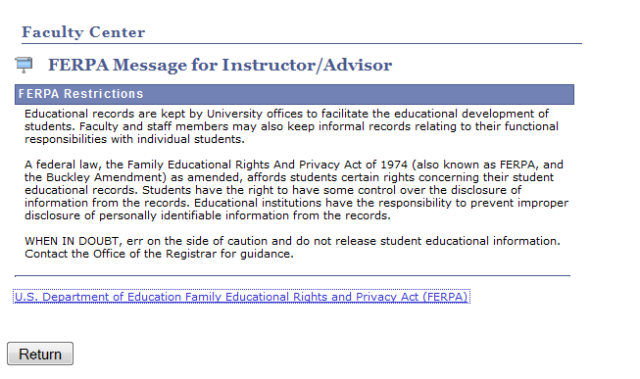
- Select the link at the bottom of the page to open the U.S. Department of Education FERPA page in a new window or tab.
Select

to return to the originating page.