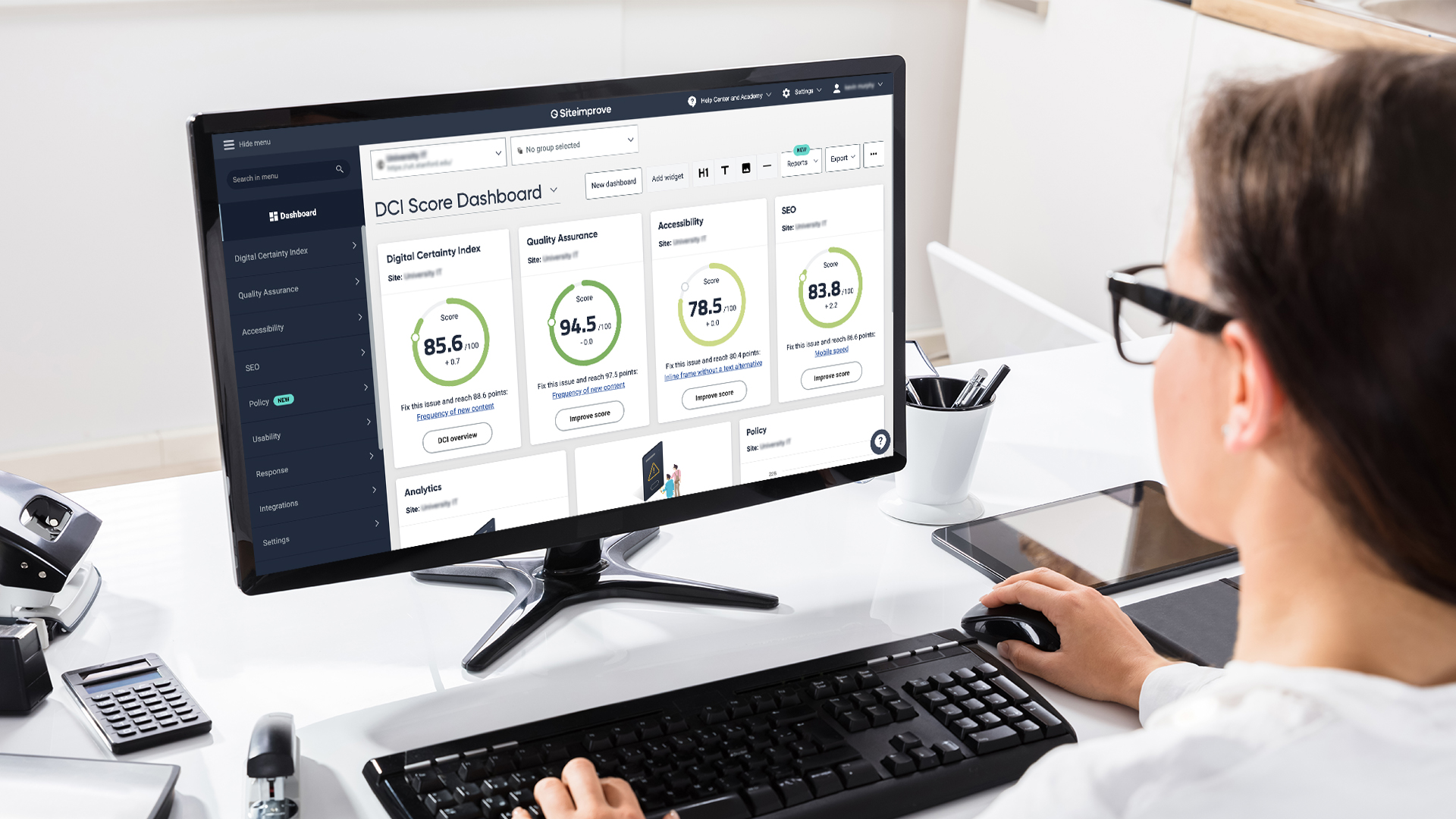
Siteimprove is a cloud‑based solution that replaces Acquia Optimize (Monsido) and PopeTech, providing a single dashboard for monitoring accessibility, quality assurance, and search engine optimization.
Staff can use Siteimprove to:
- Eliminate misspellings and broken links
- Check content freshness and readability
- Scan a PDF for accessibility
- Identify and fix accessibility issues
- Optimize for SEO
- Improve usability
- Measure the overall quality of your website over time
Policy Alignment
Usage of this tool supports the university’s commitment to a high-quality digital presence and legal compliance:
What is web accessibility?
Web accessibility means ensuring that everyone, regardless of their abilities or disabilities, can use websites and web apps. Website accessibility is determined by conformance with the Ohio State Minimum Digital Accessibility Standards (MDAS) and is governed under the Digital Accessibility policy. Web leads, developers, technical managers, and content contributors are required to maintain the accessibility of their websites and content.
Training
This page and our Using Siteimprove for Accessibility page provide Ohio State specific information about Siteimprove.
Using Siteimprove for Accessibility
Vendor documentation is also available:
User Roles
Permissions are assigned based on your role within your unit’s web or accessibility team:
| Role | Responsibility | Key Actions | Access |
|---|---|---|---|
| Enterprise Lead | Marketing, Digital Accessibility Services | Strategic oversight and cross-unit reporting. | Dashboard creation, tag management, user permissions and site assignment, site-wide policies |
| Unit Lead | Web Leads, Primary Accessibility Coordinator, Technical Leads | Managing unit sites and dismissing false positives*. | Recrawl site, policy creation for individual sites, manage groups |
| User | General content editors/writers, Accessibility Coordinators, Accessibility Evaluators | Daily remediation and single-page quality checks. | Review and resolve issues |
*Only Unit Leads have the authority to dismiss or "ignore" flags in the system. Users must escalate persistent issues or potential false positives to their Unit Lead for review.
Managing Your Site Inventory
- Existing Sites: Most sites from the DAS Inventory and University Web inventories have been pre-loaded and tagged by @Unit Name and Risk Management Entity (RME). Use the tags to view your specific unit's data.
- New Domains: New website projects or domains must go through the university’s New Website Approval Process. As part of this central approval, the OTDI/Marketing team will manually add the domain to Siteimprove for you.
- Missing Sites or URL Updates: If an existing site is not visible in your dashboard, please report it to websupport@osu.edu.
Custom Content Policies
Unit Leads may create custom content policies to track local standards. All custom content policies must use a unit-level prefix (e.g., ASC-Policy Name) to distinguish them from University-wide content standards.
Siteimprove Browser Extension
We highly recommend using the Siteimprove Accessibility Checker extension for Chrome/Edge to test pages as you edit them.
Technical Note: You may need to coordinate with your local IT support to enable this extension on university-managed devices.
Access Request and Reporting
To request or update access in Siteimprove, email the respective unit based on your primary intended use of the platform:
- Digital Accessibility Email: das@osu.edu
- Marketing website QA and SEO Email: websupport@osu.edu
- Identify sites that you need to access.
There are a variety of dashboards preconfigured to meet various user needs. If you have a unique reporting need or need assistance scheduling recurring reports, please email Digital Accessibility or the Office of Marketing.
Resources
- Digital Accessibility Questions: Digital Accessibility Services
- Brand and Content Strategy: Office of Marketing
- General IT Issues: IT Service Desk