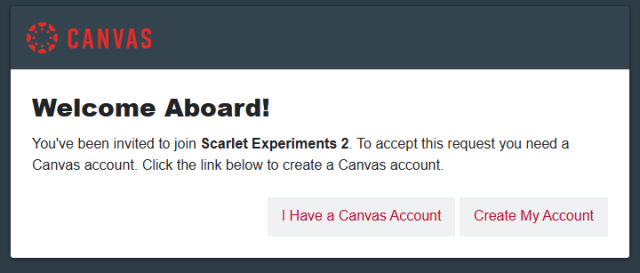
This instructional guide is for Canvas for Continuing Education subaccount administrators who need to resend an email confirmation for an instructor who was added to the course manually.
Navigate to the People tab and click the Resend Email button. An email confirmation will be sent to the instructor.
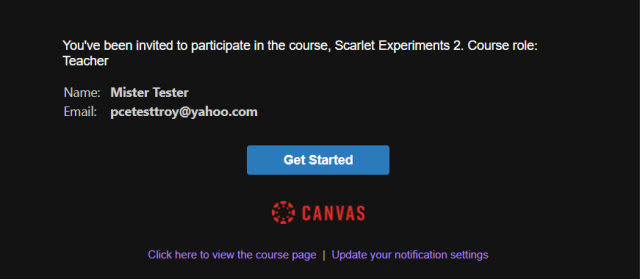
When the instructor clicks the Get Started button in the email confirmation, they will be taken to Canvas and be prompted to log in to their existing account or create a new account.