Web based access to your email is provided through the Outlook Web App.
Logging In
Start by visiting Ohio State's Microsoft web portal and clicking the Sign in to Outlook for Email link.
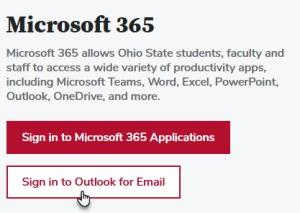
Type your OSU email address and click sign in. You will be brought to our organizations Sign In page.
- Ohio State University Employees use: lastname.#@osu.edu
- COTC Employees use: lastname.#@mail.cotc.edu
- BuckeyeMail use: lastname.#@buckeyemail.osu.edu
- Wexner Medical Center employees (@osumc.edu) are not eligible to use this service
Enter your e-mail University Password.
Click [Sign in].