Microsoft Copilot comes with a gallery of prebuilt prompts that can be used to interact with the Generative AI tools. Depending upon the licensing you may be able to create and share your own prompts. To access the Prompt Gallery inside Copilot Chat (or Premium) click the ellipse menu at the bottom of the chat window.
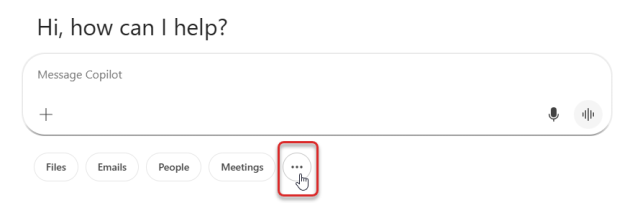
Selecting the ellipse menu will open the Prompt Gallery.
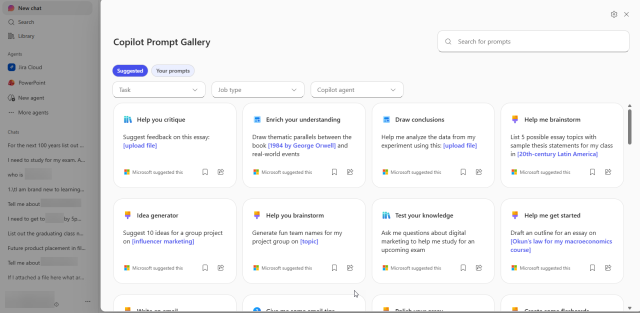
Prompts that you have saved will appear in the Prompt Gallery under the Your Prompts tab at the top.