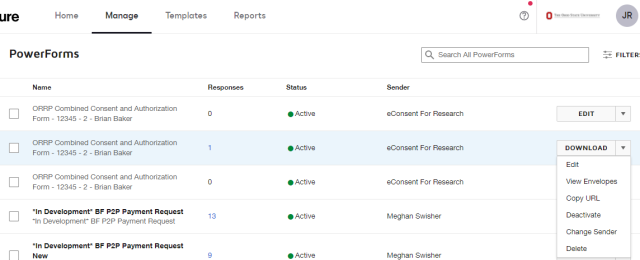
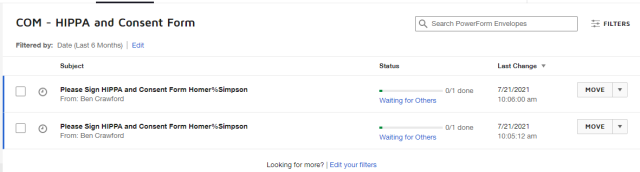
View PowerForm Responses

  1. Click the Manage link to open the manage page
  2. Click the PowerForms link in the menu on the left side of the page. 
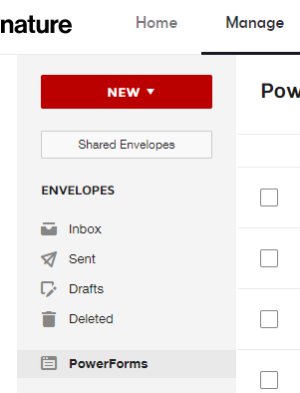
    the left-side menu on the manage page
  3. Click the down arrow  

    down arrow

    on the PowerForm whose responses you want to review.

  4. Click View Envelopes. 

    the powerforms page with the menu expanded
  5. Review the responses page. 

    a powerform's responses page
 

Critical Note

If you are not seeing all of the responses you expect, edit the filters or search.