- Click the Template link to open the template page.
Click the down arrow

on the dropdown menu on the same line as the template you want to share.
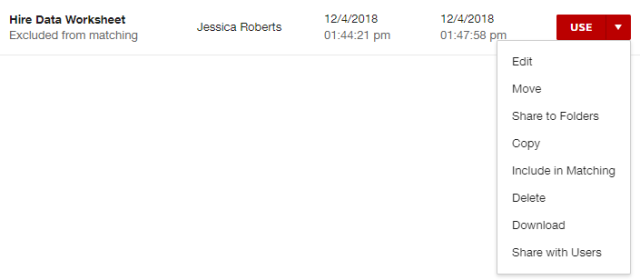
- Select Share with Users.
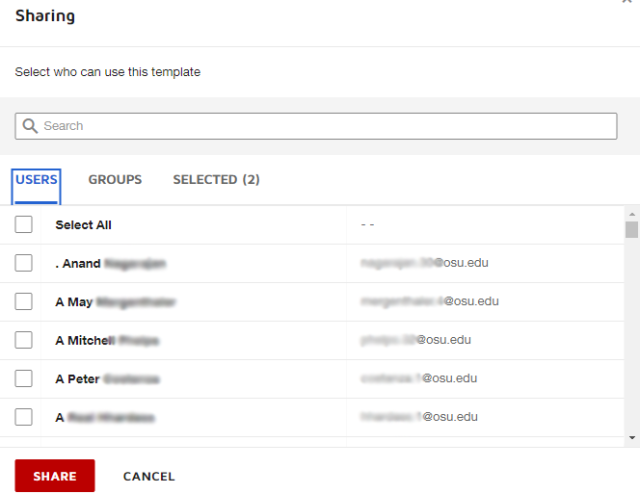
Share with individual users by searching or scrolling for users, then checking the box next to their name.
Share with groups by clicking Groups, then searching or scrolling for groups, then checking the box next to the group name.
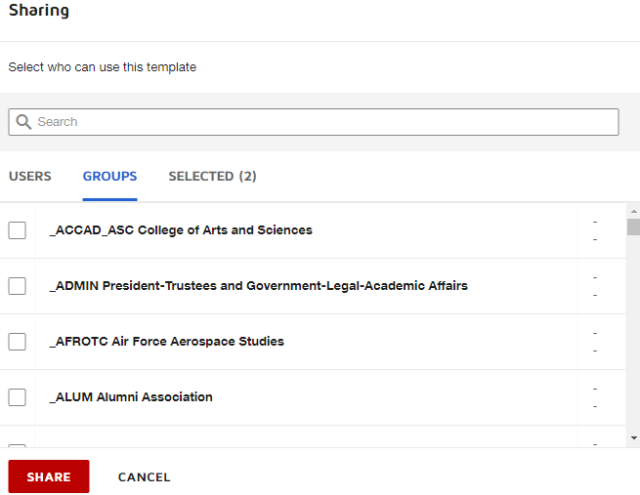
When you have selected all of the users or groups, click the Share button

to share the template.