- Go to the IT Service Desk website.
- After logging in, open the DocuSign Access Request.
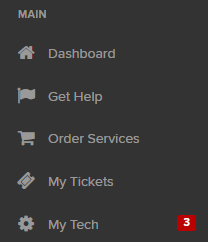
Click Order Services.
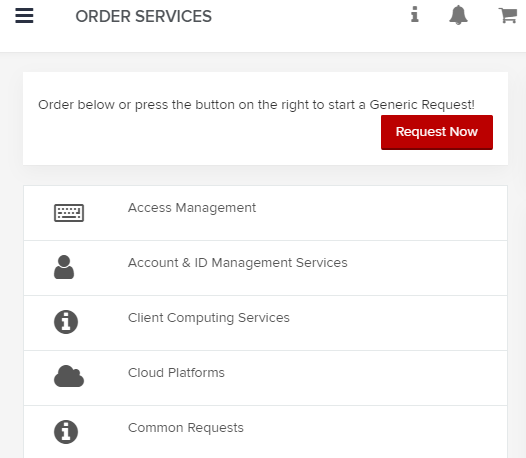
Click Access Management.
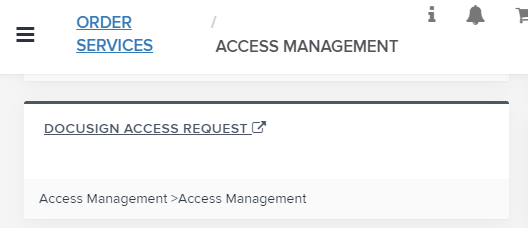
Click DocuSign Access Request.
- Complete the form to request the eSignature role.
Verify your information is correct.
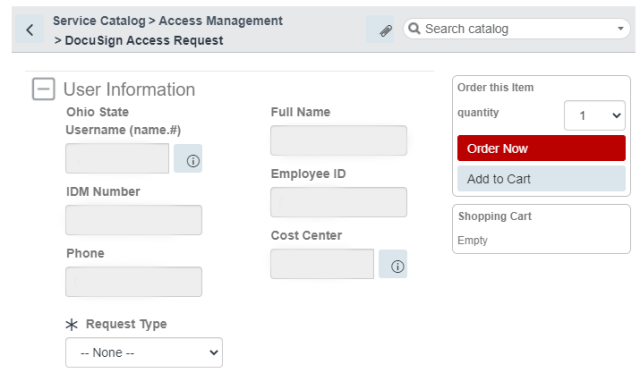
Select New or Modify Account/Access from the Request Type dropdown.

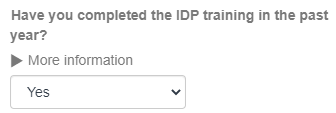
Select yes in the Have you completed the IDP training in the past year? dropdown.
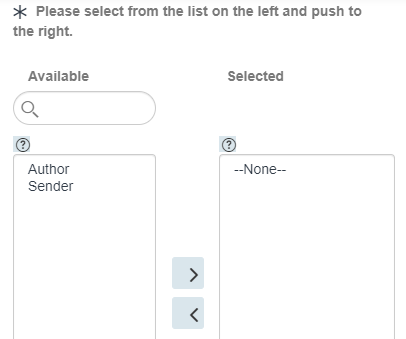
In the Select Role section, click the correct role name in the “Available” box, then click the right arrow

to move the role to the Selected box.
Click the Order Now button

.
After reviewing your shopping cart, click the Checkout button

to submit your request.