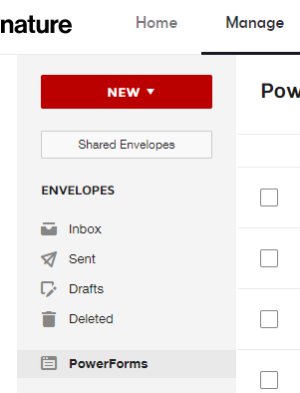
- Click the Manage link to open the manage page
Click the PowerForms link in the menu on the left side of the page.
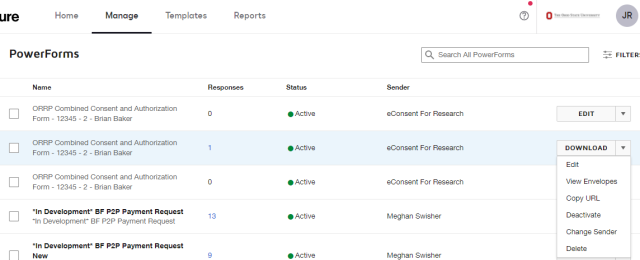
Click the Download button
on the PowerForm whose responses you want to download.
Select the date range you want to download.
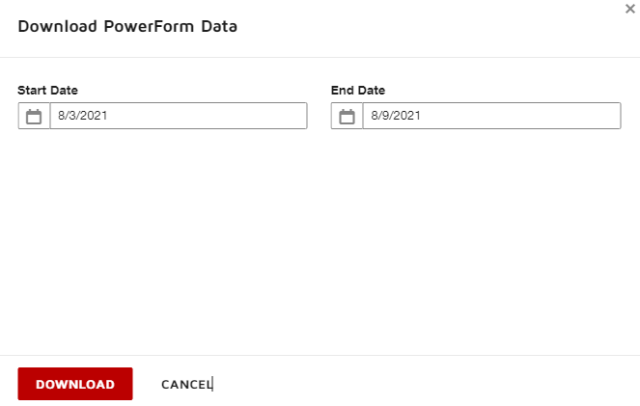
Click the Download button

.
- Save the file.