- Click the Template link to open the template page.
- Click the name of the template whose PowerForm sender you want to change.
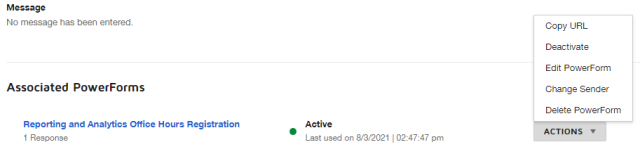
At the bottom of the page, click the down arrow

on the PowerForm whose sender you want to change.
Click Change Sender.
Select the new sender.
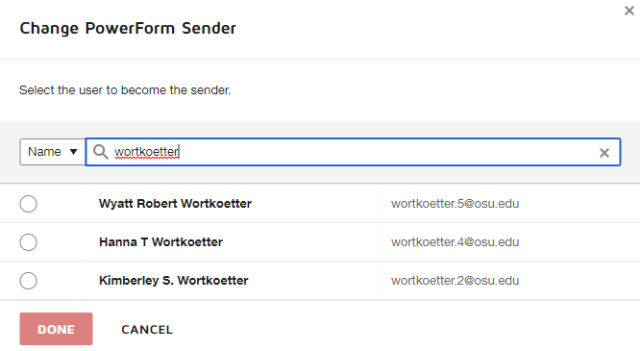
Click the Done button

to save the new sender.