Use this job aid to run a report that has been shared with you.
Reporting 2.0 reports are refreshed in real time via the Real Time Data Warehouse (RTDW). Any report that is created or refreshed has data that has been updated within minutes.
If you have additional about Reporting 2.0, contact your area’s BuckeyeLearn Administrator.
- Log into BuckeyeLearn at buckeyelearn.osu.edu.
Open Reporting 2.0.
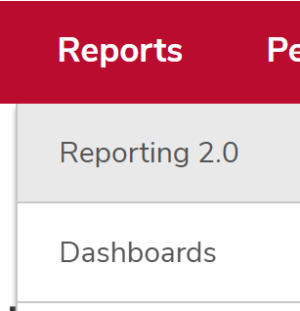
- Hover over the Reports menu item.
- Click Reporting 2.0.
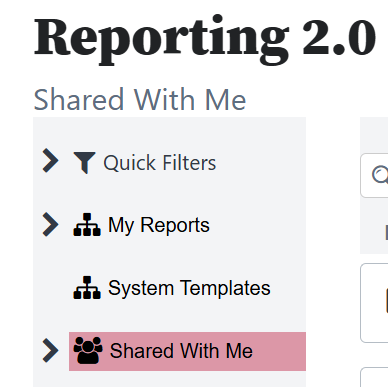
Click Shared with Me to open reports that have been shared with you, if needed.
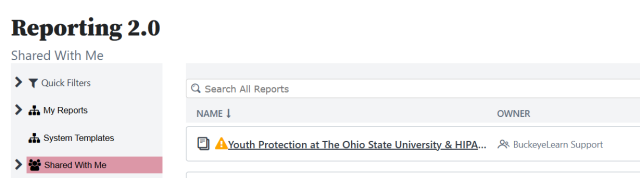
Click the report name to open the report.
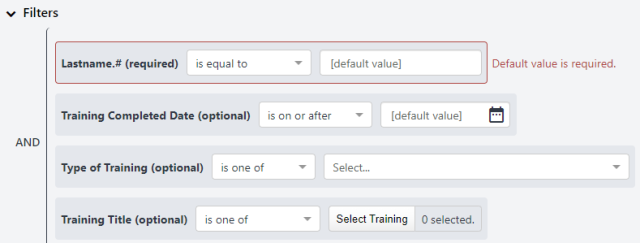
Select filter options, if required.
Click the Refresh icon

at the top right to run the report.
Review the report's results.

Click the Excel icon

to to export the full report to Excel.