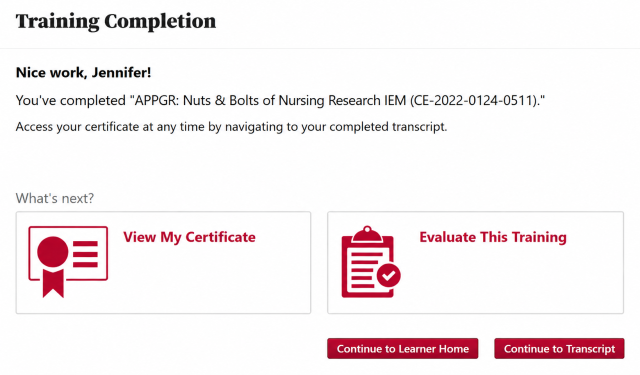
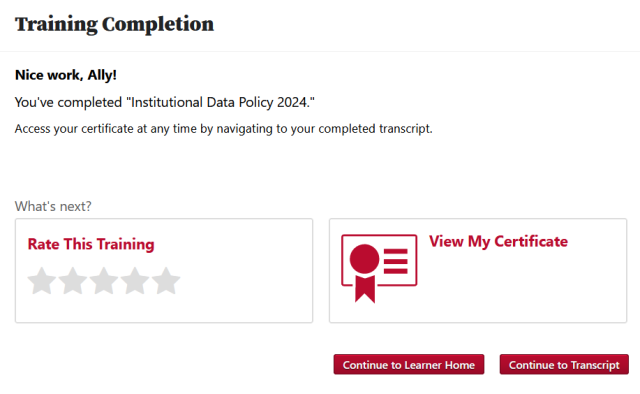
The Training Completion Page will be automatically generated when you complete an Online Course, Material, or Video in BuckeyeLearn. The Training Completion Page provides a completion message and options for where to navigate next.
You can access the Training Completion Page for Online Courses, Materials, or Videos that you previously completed.
- Open your completed transcript.
Click the View Training Completion Page

button.