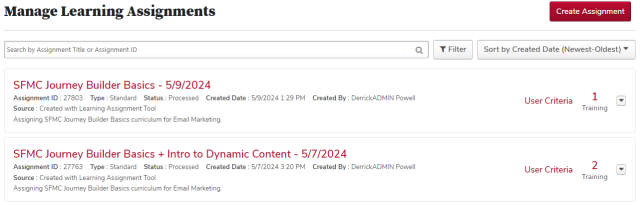
To review a standard learning assignment, click the assignment title in the learning assignment list.
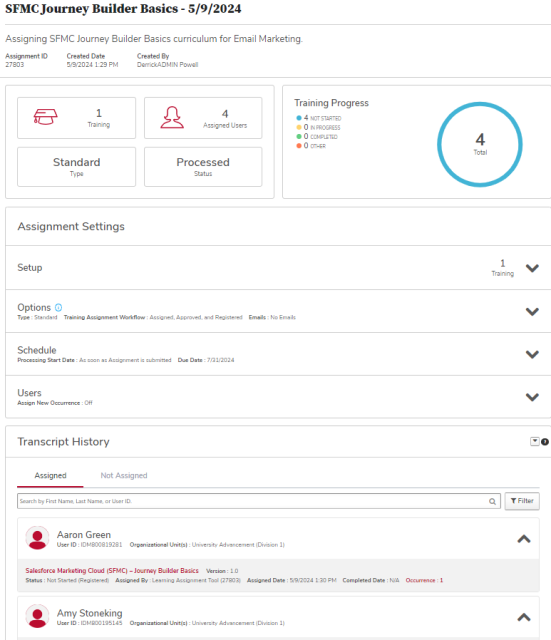
On the Assignment Summary page, you can review the summary learning assignment information, including how many learners were assigned the training and their training progress. You can also review the Assignment Settings, and the Transcript History, detailed information about who was and was not assigned training.
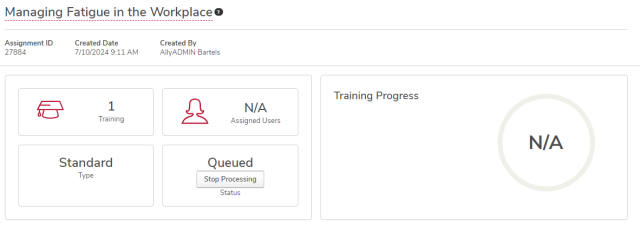
If you have submitted a standard learning assignment in error and it has not yet completed processing, you can click the Stop Processing button to stop the assignment. This button does not appear if the learning assignment has already been processed.