- Navigate to the Roster page.
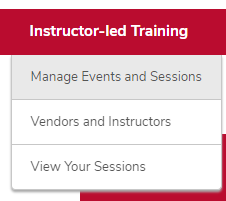
- Hover over the ILT tab.
Click Manage Events & Sessions.
Click the View Sessions button on the same line as your event.

- Click the Roster button on the same line as your session.
Click the Actions icon in the User section, then click Print Sign-In Sheet.

- Save the Excel file.