When creating a learning assignment, you may receive warnings to ensure you are assigning training to the correct people.
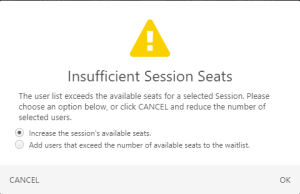
Insufficient ILT Seats Warning
This warning appears if you create a learning assignment for an ILT session that des not have enough available open seats for all users. You can increase the sessions available seats or add the excess users to the waitlist.
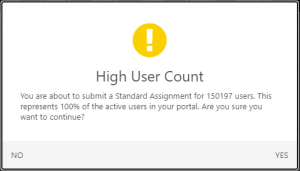
High User Count Warning
This warning appears if you create a learning assignment that will be assigned to a very high percentage of the system's users.
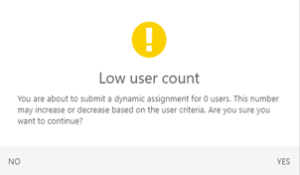
Low User Count Warning
This warning appears if you create a learning assignment that will be assigned to zero users.
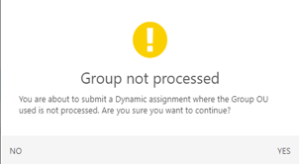
Group Not Processed Warning
This warning appears when the group selected as user criteria has not yet processed, and contains zero users.