Create a deep link that will take each learner to their own BuckeyeLearn transcript. This is useful when sending communications to learners when learning has been assigned to them. For additional information about deep links, visit Cornerstone’s online help.
- Navigate to the Deep Link page.
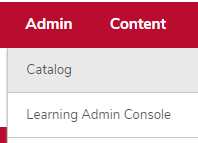
- Hover over the Admin tab.
Click Catalog.
Click the Deep Links link in the General Learning Section.

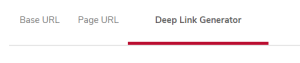
Click the Deep Link Generator Tab.
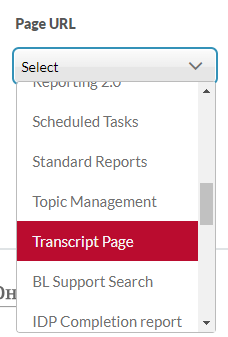
Select Transcript Page in the Page URL dropdown list.
Click the Generate Links button

.
Select the link from the “Base Linking - Do Not Change or Delete” delete row.
