Instructions from The Office of the University Registrar to setup user defaults in SIS.
Saving the following defaults will reduce the need to enter the information each time the page is accessed. Saving will carry the information to most pages when moving around in the SIS.
Navigate to the User Defaults page.
Path.
Ohio State University
Pre-populates the OSU institution specific fields that appear on most pages.
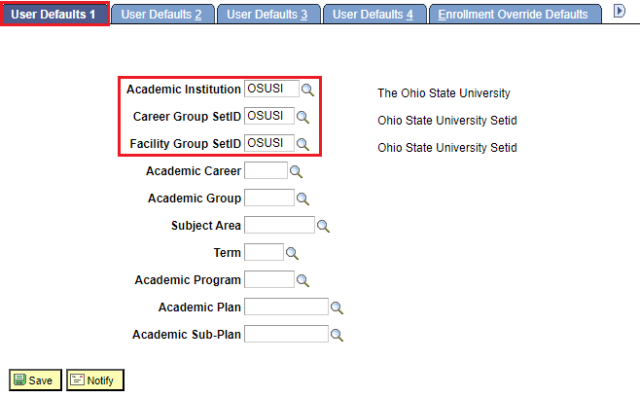
- On the User Defaults 1 tab, complete the following information:
- Academic Institution = OSUSI
- Career Group SetID = OSUSI
- Facility Group SetID = OSUSI
Select the Save button link.
Student User ID
Carries the student's OSU ID.
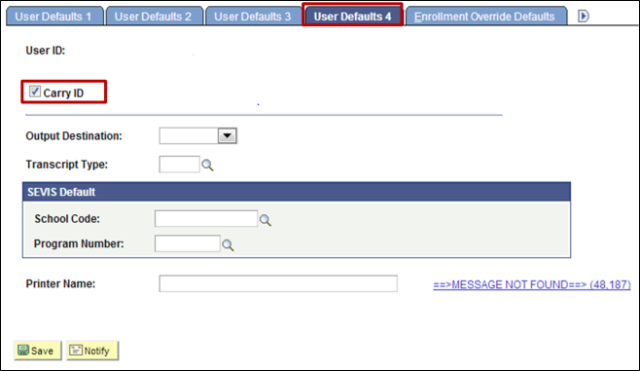
- On the User Defaults 4 tab, select the Carry ID checkbox.
Select the Save button link.