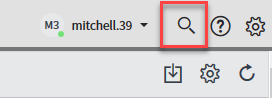
The global search tool, located in the right-hand corner of the Service Now should be the first stop in your search for records that contain keywords. The global search looks at all object types within the Service Now.
Select the global search tool

.
Type the keyword in the global search tool box and select Enter.

The results display information for all of the categories where matching records appear. The Select All checkbox is checked by default. If you would like to narrow your results by object you can deselect the unwanted objects and run the search again.

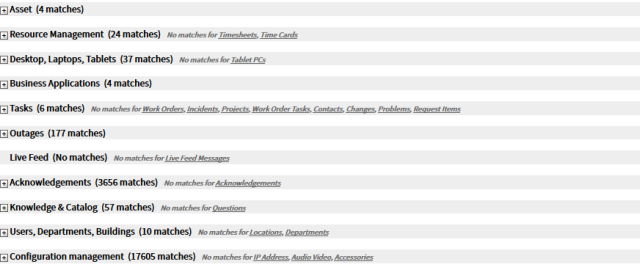
Click the show button

to the right of the category you wish to expand and view records.

Select the record that meets your needs.