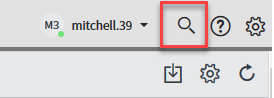
When looking for a request or incident, if you know a specific record number, use the Global Search tool in the upper right corner to locate a record.
Select the Global Search Tool
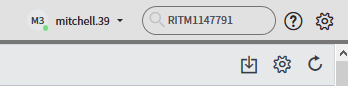
Type the record number and select Enter.
The record will appear.
