If a report has been saved it can be run again any time it is needed.
Click on the “View/Run” option from the navigation bar on the left.
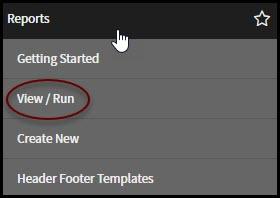
Once clicked, you will be taken to the reports view. This has changed considerably in the latest release in Service Now. By default, it has you view all reports. If you would like to only view the reports that you created, click the My Reports button at the top of the screen.

Once clicked, all of the reports that have you listed as the creator will be displayed.
