OTDI Service Owners can add a dashboard to their Homepage to assist in monitoring their services.
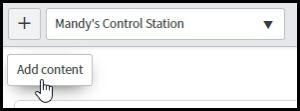
This is the same process as adding a Filter, it is just a predefined filter. Start by navigating to the Homepage that the Service Owner Dashboard will be added to. Click the Add Content button.
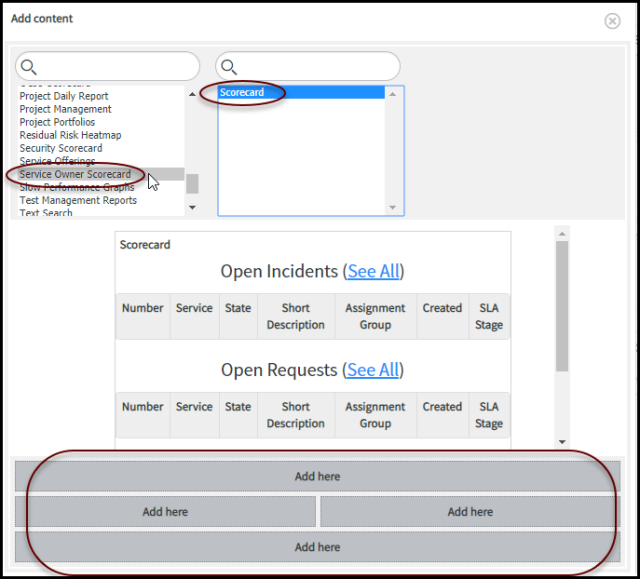
The Add Content window will open. In the first column select Service Owner Scorecard. In the second column click Scorecard. The middle section will show a preview of the Scorecard as it will appear on the homepage. Click the grid section at the bottom of the window where on the Homepage the Dashboard should display.