A manager can review and approve their employee’s external training in BuckeyeLearn. You will receive an automated email when your employee has submitted an external training request for your approval.
Navigate to Manage Employee Learning.
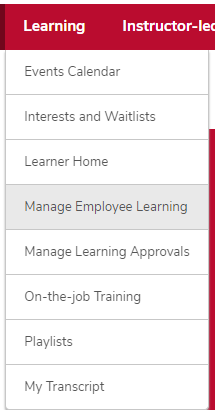
- Hover over the Learning tab.
- Click Manage Employee Learning.
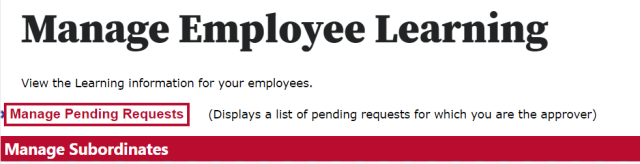
Click the Manage Pending Requests link.
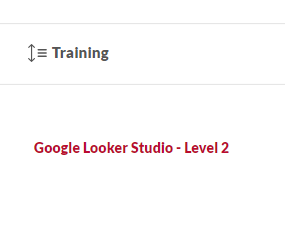
Click the training title to review the training description.
- Approve or deny the request.


Approve training
- Click Approve to approve the request.
Type additional comments, if needed.
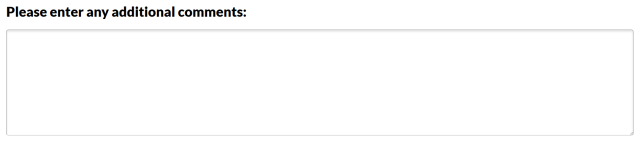
Click the Approve button

.
Deny training
- Click Deny to deny the request.
Type additional comments, if needed.
Click the Deny button

.