- To quickly view a specific session, use the calendar to find your sessions
- To view all of your sessions, use the Manage Events and Sessions page
Find A Session From the Calendar
To quickly view a specific session, use the calendar.
- Hover over the ILT tab.
Click View Your Sessions.
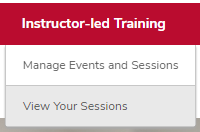
Locate the session on the calendar.
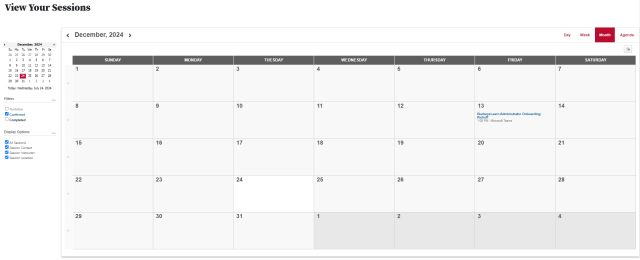
- Click the name of the session to open the session's training details page.
Find Your Sessions From the Manage Events and Sessions Page
To quickly view all of your sessions, use the Manage Events and Sessions page.
Navigate to the Manage Events and Sessions page.
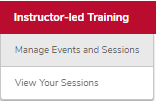
- Hover over the ILT tab.
- Click Manage Events and Sessions.
Click the View Sessions button

on the same line as the session that you want to open.

- Review your sessions.

1: Date and time
The date and time of the session.
2: Location
The session's location.
3: Enrollment
How many learners are enrolled in the session
4: Roster Button
Click the roster button to view, print and submit the roster.
5: View details icon
View details of the session.