The Service Catalog is a collection of predefined request items. This aid will assist in searching the service catalog for a specific request item.
The Service Catalog, accessed via the Self Service site, is used to make predefined requests.
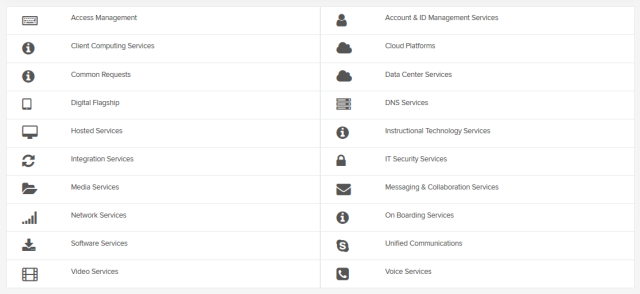
To Locate a Service
Select a category tab to view the services related to it.
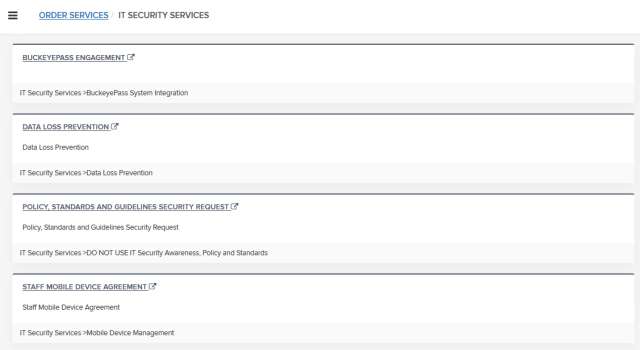
The services related to the category appear.
Select the service you would like to request.
The search field at the top right of the Service Catalog page can also be used to locate services.
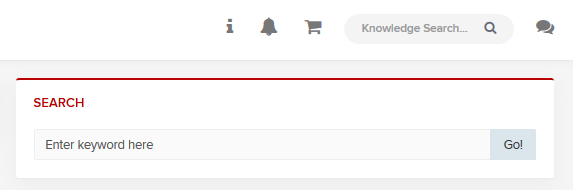
Enter a keyword in the Search box.
Select Enter or click the

button.
This feature only looks for services with either matching names or aliases.
If you perform a search and it does not have a matching name or alias, then the search will not produce results.
If you perform a search and it does not have a matching name or alias, then the search will not produce results.